

Your whole agency on one clear org chart.
Build a clean, shareable organizational chart in minutes: chain of command, units, special teams and committees. Free for up to 250 people. Nothing to install.
- No credit card
- Up to 250 people
- CSV import
- PDF & PNG export
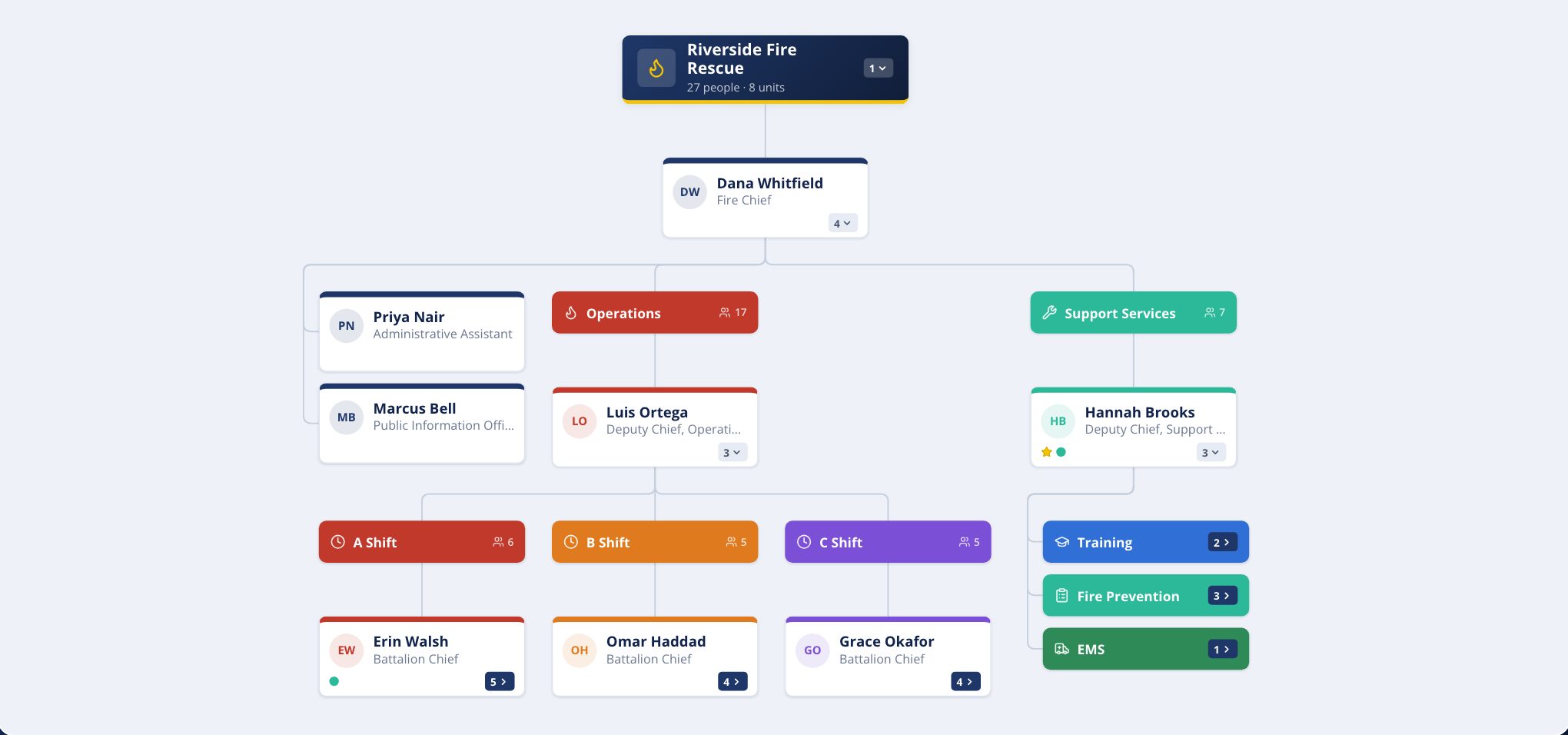

EP Org Chart Builder is a free, web-based tool from Essential Personnel, the professional standards platform for public safety. It lets police departments, sheriff’s offices, fire departments, EMS agencies and local governments build, share and export org charts of up to 250 people.
Made for how public safety is actually organized
Ranks and titles, echelons, shifts, and the teams that cut across them. Not a generic boxes-and-lines tool.
Drag-and-drop building
Drop people and units right where they belong. Reorganize by dragging a card onto its new supervisor, and the whole branch comes with it.
Import your roster
Upload a CSV from Excel, Google Sheets, or your HR system. We read “Reports To” and build the chain of command for you.
Units & echelons
Divisions, bureaus, districts, shifts, stations. Color-coded, so everyone can see where they fit at a glance.
Special teams & committees
SWAT, honor guard, peer support, the safety committee. Name the leaders and spotlight any team across the chart.
Share a read-only link
Give command staff, council, or new hires a live view. Email addresses are never shown on shared links.
Export & print
Presentation-ready PDF and high-resolution PNG, a print-ready page, or a spreadsheet of your whole roster.
From spreadsheet to station wall in three steps
Build it
Start blank, import a spreadsheet, or tweak our sample. No account needed to start. Your work stays in your browser.
Verify your work email
Enter the 6-digit code we send to your agency address. That’s the whole sign-up.
Save, share & export
Your chart is saved to your account. Share a link, export a PDF, or print it for the station wall.
Start from a chart that looks like yours
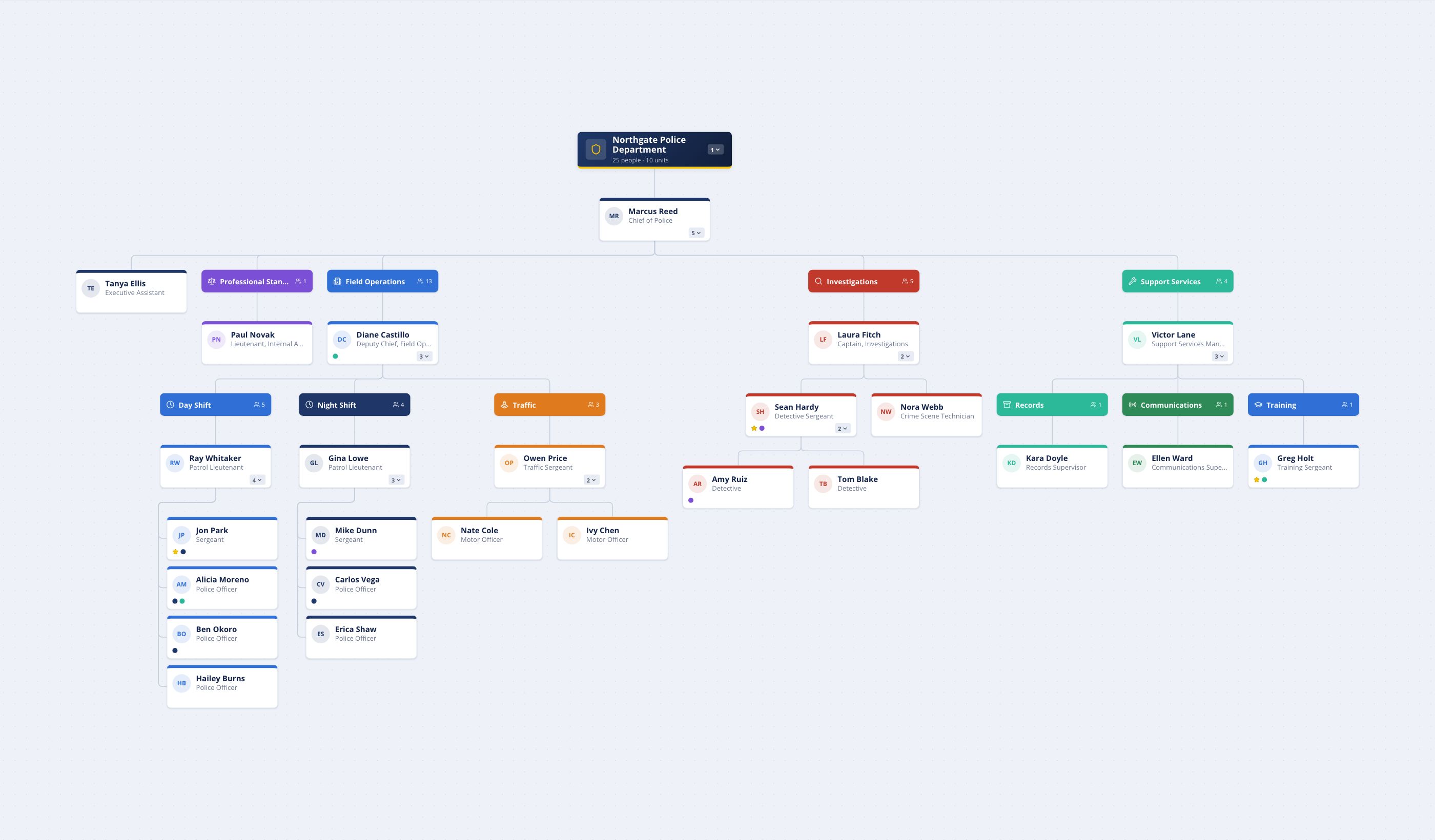
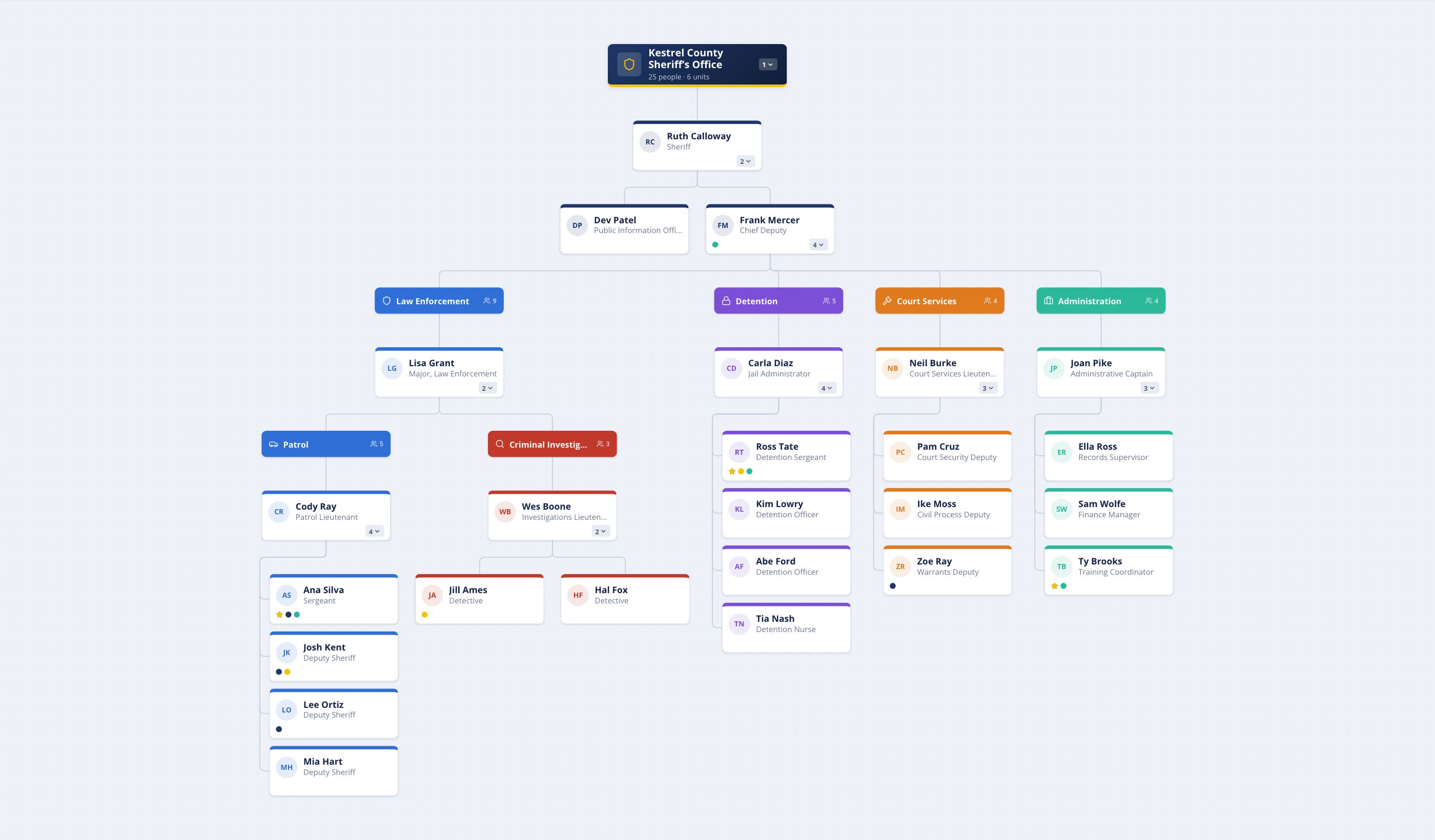
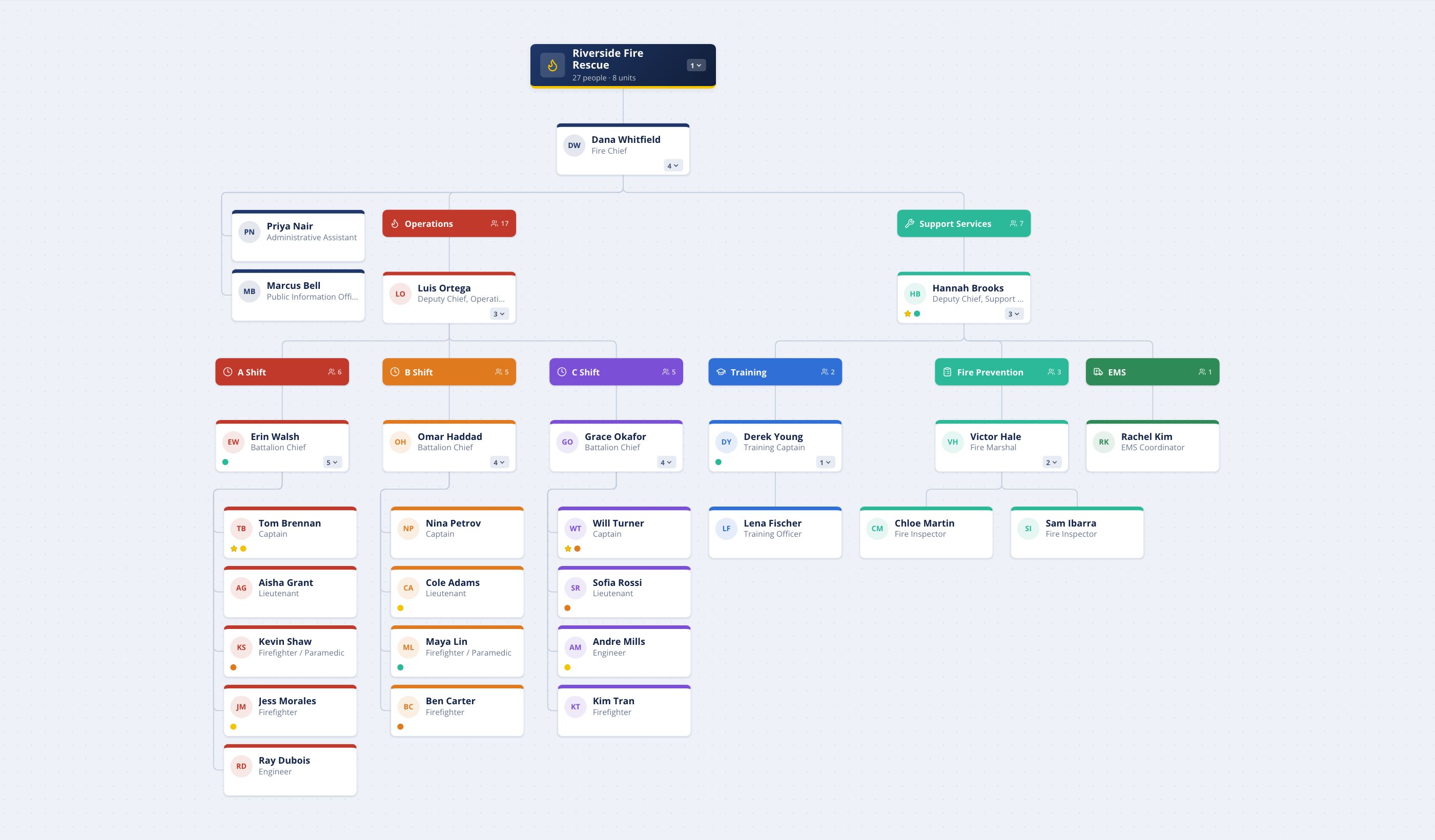
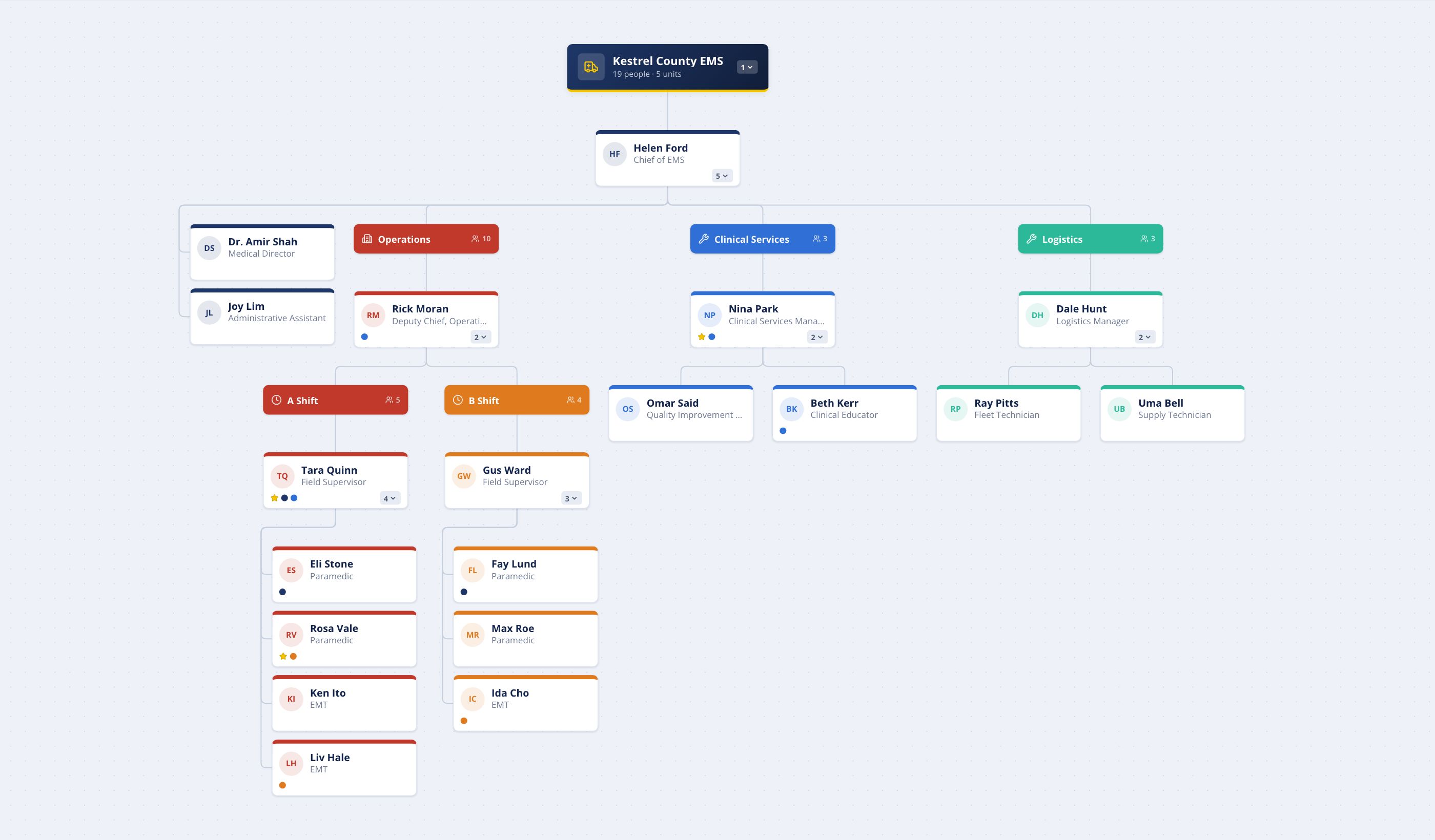
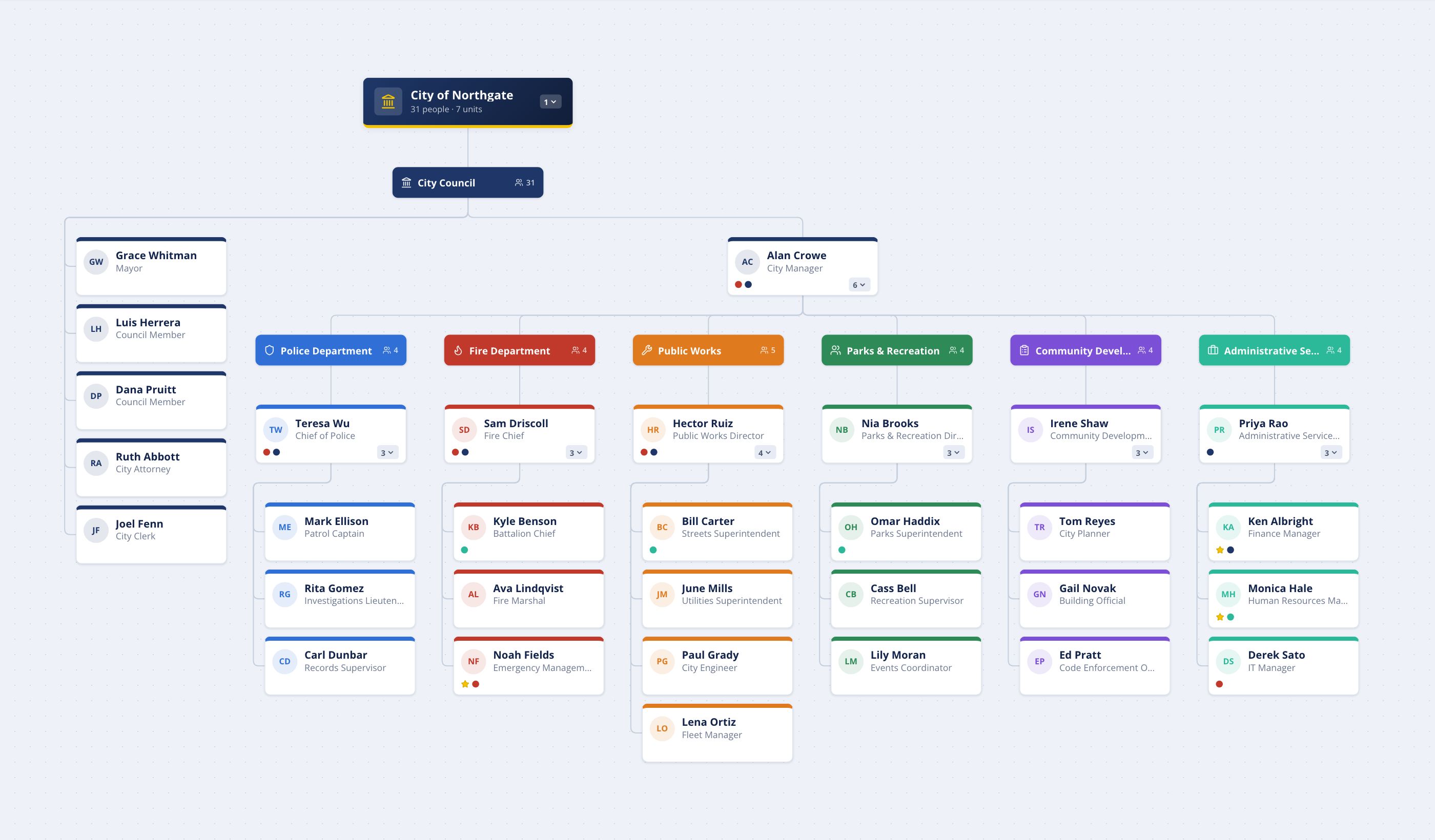
Sample org charts for police departments, sheriff’s offices, fire departments, EMS agencies and city governments. Open one in the builder and rename the units and people.
Your org chart is just the beginning.
In Essential Personnel, the org chart is live: connected to your roster, so it’s always current. And it sits alongside everything else professional standards needs, for agencies of every size.
Frequently asked
Is it really free?+
Yes. EP Org Chart Builder is free: build, save, share, export and print charts of up to 250 people and units, with no credit card and no trial period. Accounts on the same email domain can keep up to 10 saved charts between them.
Is there a template for my agency?+
There are free templates for police departments, sheriff’s offices, fire departments, EMS agencies and city governments. Each one opens in the builder with every unit and person filled in, ready to rename. You can also start blank or import your roster.
Can I import from Excel?+
Yes. Save your sheet as CSV. One row per person with Name, Title, Email and Reports To. Download the template inside the importer to see the format.
Can I export the org chart to PDF or print it?+
Yes. Once you verify your work email, you can export a presentation-ready PDF, a high-resolution PNG or a CSV of the whole roster, or print the chart from your browser. All of it is free.
How do I update the chart after a transfer or promotion?+
Drag the person’s card onto their new supervisor and everything under them moves too, or click the card to change their title. Saved charts save as you work, and share links always show the latest version.
Do I need to install anything?+
No. EP Org Chart Builder runs in Chrome, Edge, Firefox or Safari, and you can start building without an account.
Why do I need a work email?+
Verifying an agency or organization address keeps the builder for real public safety and government teams, and lets us keep your saved charts tied to you. Personal addresses (Gmail, Outlook, Yahoo…) aren’t accepted.
Who can see my chart?+
Only you, unless you create a share link. Saved charts are encrypted at rest. Shared links are read-only and never include email addresses, and you can turn a link off at any time.
What happens to the information I enter?+
Until you save, your chart never leaves your browser. When you sign up, Essential Personnel receives your own contact details (name, title, organization, email) so we can follow up about EP. We don’t contact the people on your chart.
We have more than 250 people. Now what?+
The free builder tops out at 250 people and units. The full Essential Personnel platform supports even the largest organizations, with a live org chart connected to your roster, training and policies. Talk to an EP Sales Rep.
All data is encrypted in transit and at rest.
Ready to map your agency?
Most charts take under ten minutes. Start now, no account needed.
Build your free org chart